
Built-in guides
Pixio Canvas includes 28 skill-building guides across animals, nature, people, objects, vehicles, and imagination. Search by subject or skill, filter by category, and use the difficulty indicators to move from simple contours to more advanced forms.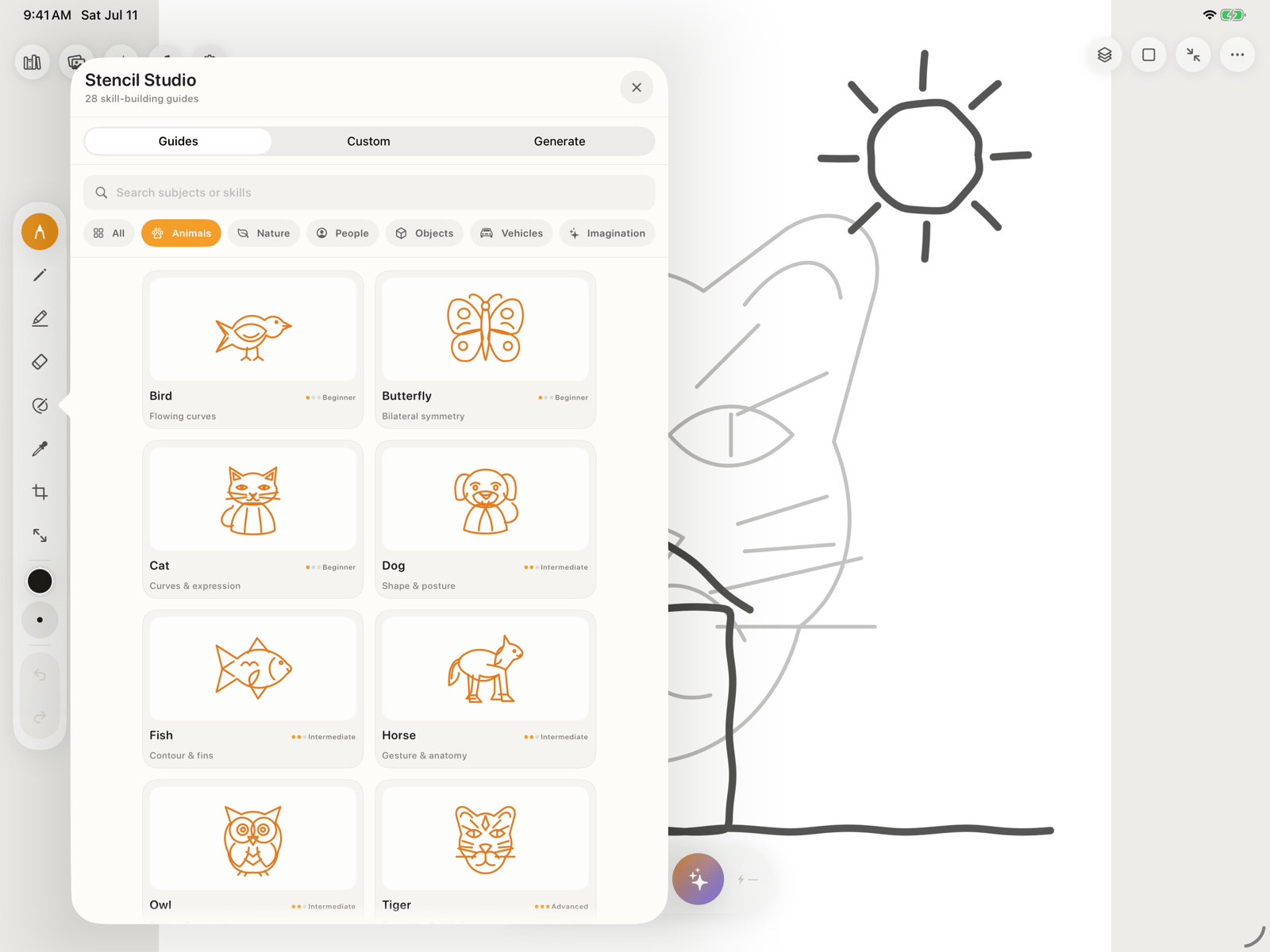
1
Choose a guide
Open Guides, search or filter the catalog, then tap a stencil.
2
Place it on the canvas
Move, resize, and rotate the guide until it fits your composition.
3
Lower the guide opacity
Make the linework faint enough to trace comfortably.
4
Trace on a drawing layer
Keep the guide locked beneath your drawing layer so your marks remain independently editable.
5
Hide or delete the guide
When the tracing is complete, turn off the guide’s visibility or remove only that layer.
Photo-to-Stencil on this iPad
Use Custom → Upload Photo to convert a selected image into clean black-and-white tracing lines. This conversion runs on-device and does not use Pixio AI or credits.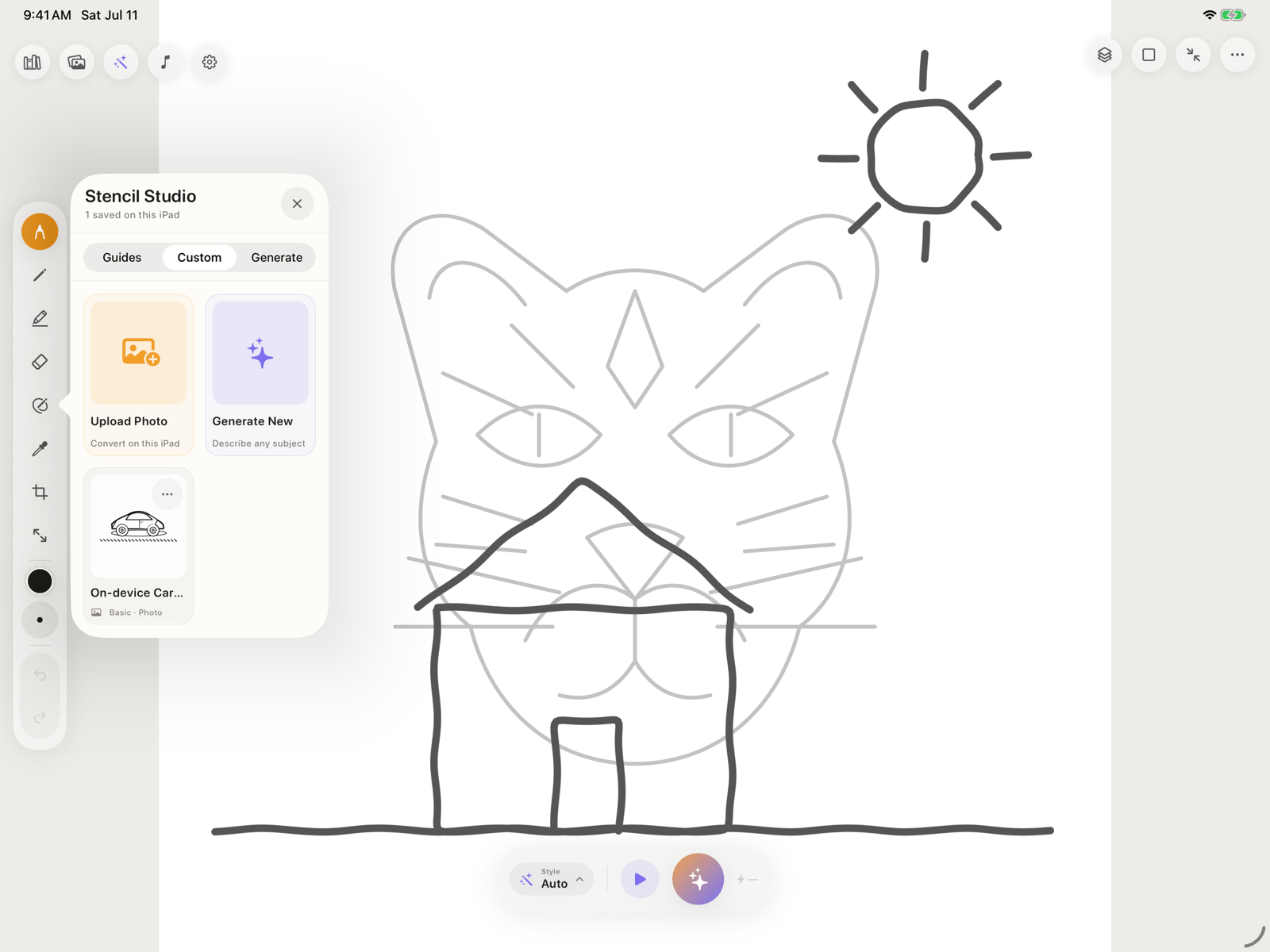
Generate Stencil with Pixio
Open Generate, describe what you want to trace, choose Basic or Advanced, then tap Generate Stencil.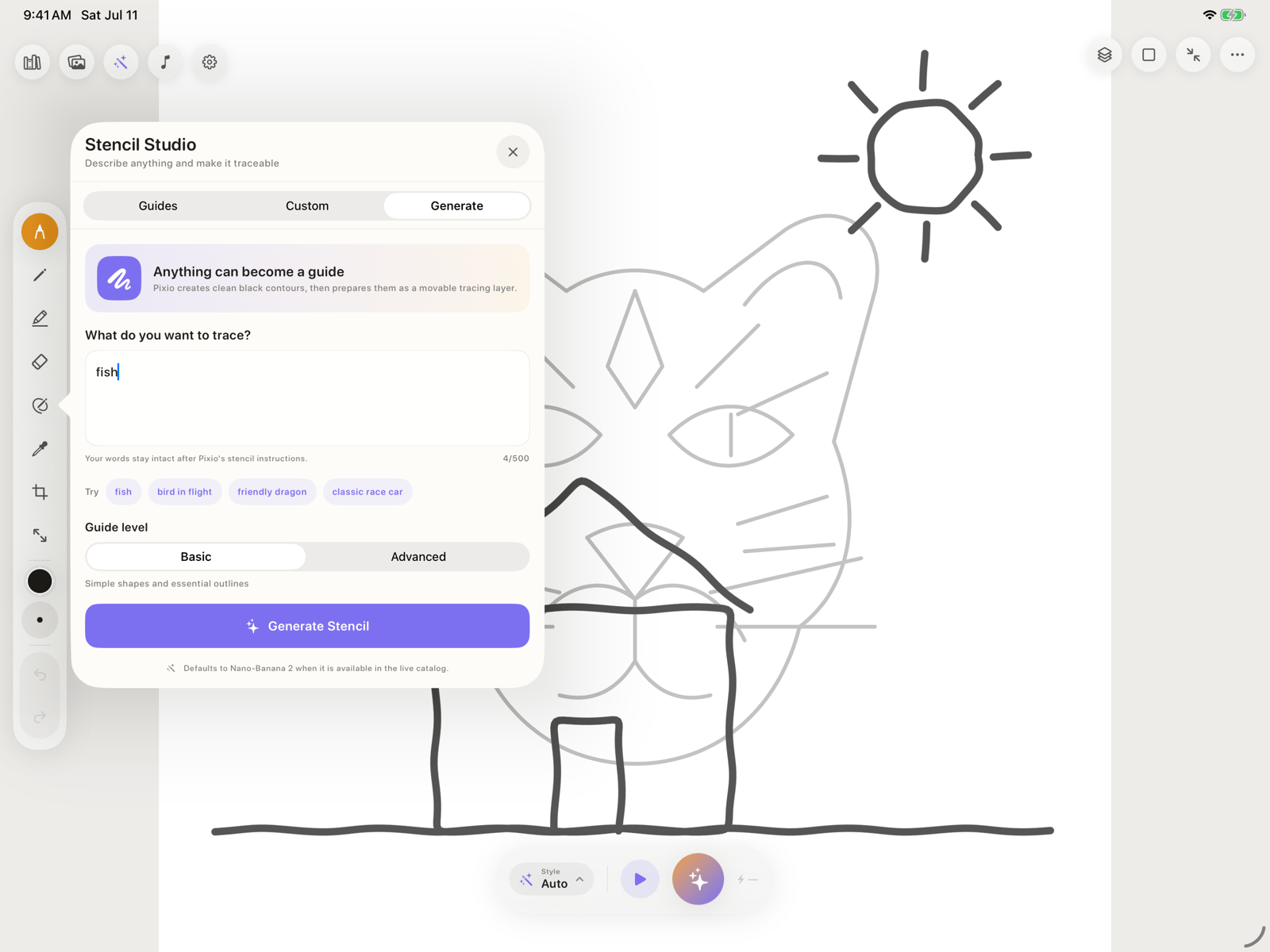
- Whisper or Duet rather than Quiet
- AI-processing permission
- Your Pixio API key
- Internet access and available Pixio credits