
Drawing, layers, undo and redo, bundled tracing guides, and on-device Photo-to-Stencil work without a Pixio API key. AI features are optional.
Set up the app
Start locally or connect your own Pixio API key for companion features.
Quiet, Whisper & Duet
Choose whether the companion stays off, waits for the Spark, or responds after you pause.
Trace with stencils
Use 28 built-in guides, convert a photo locally, or generate a custom guide.
Layers & history
Keep every drawing and companion pass editable and move backward or forward safely.
Privacy & data
See exactly what stays on the iPad and what is sent when you allow an AI request.
Fix a problem
Resolve key, credit, generation, Duet, photo, stencil, and voice issues.
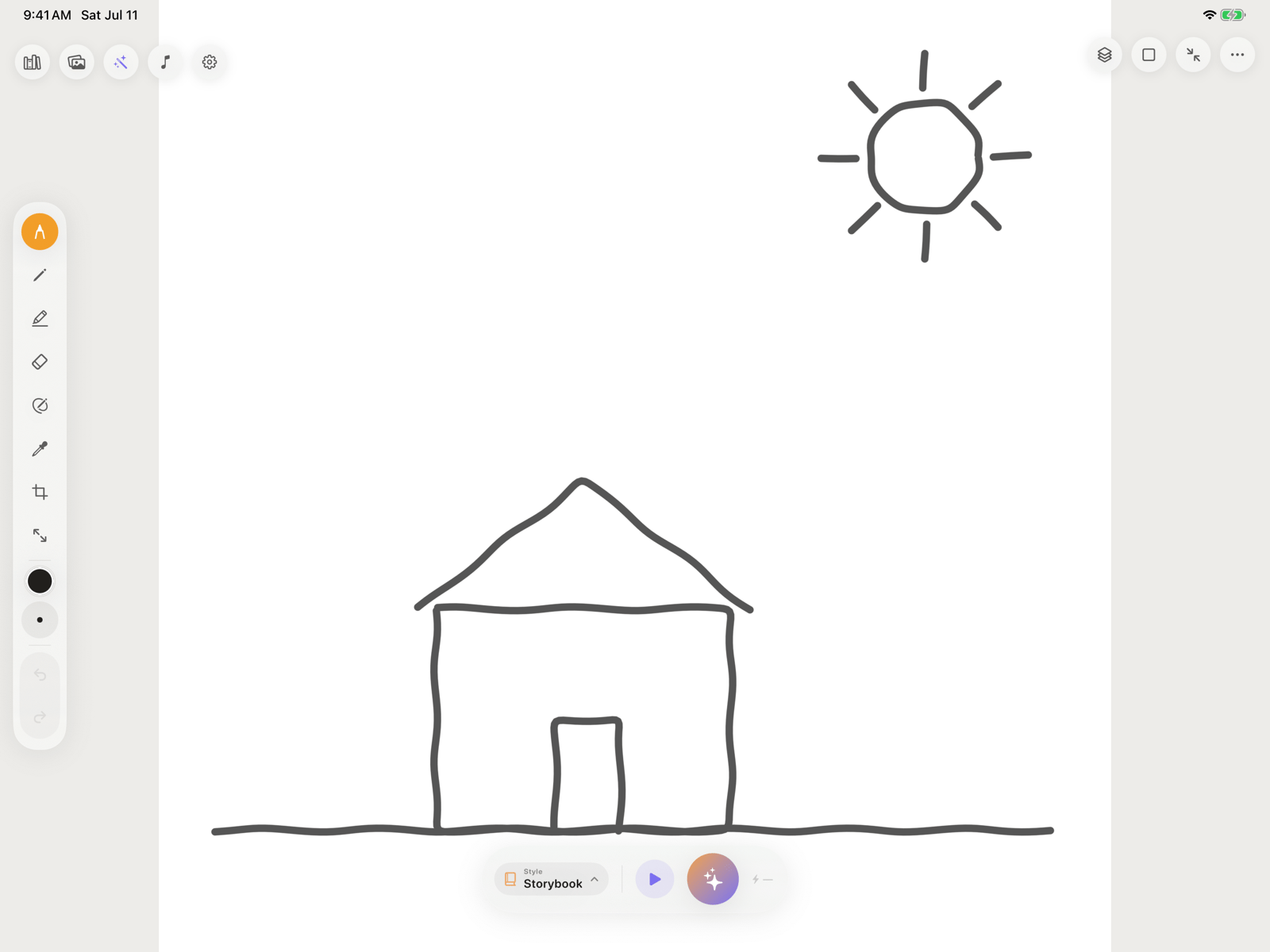
Local tools and AI tools
Pixio Library needs a connected key and internet access. Refine, Duet, Generate Stencil, and Animate additionally need AI-processing permission and available credits.
Contact Pixio Canvas support
Email nkukaj@mytsi.org and include:- Your iPad model and iPadOS version
- The Pixio Canvas version or TestFlight build number
- The mode you were using: Quiet, Whisper, or Duet
- What you expected, what happened, and the exact message shown
- A screenshot when it does not contain private artwork or account information