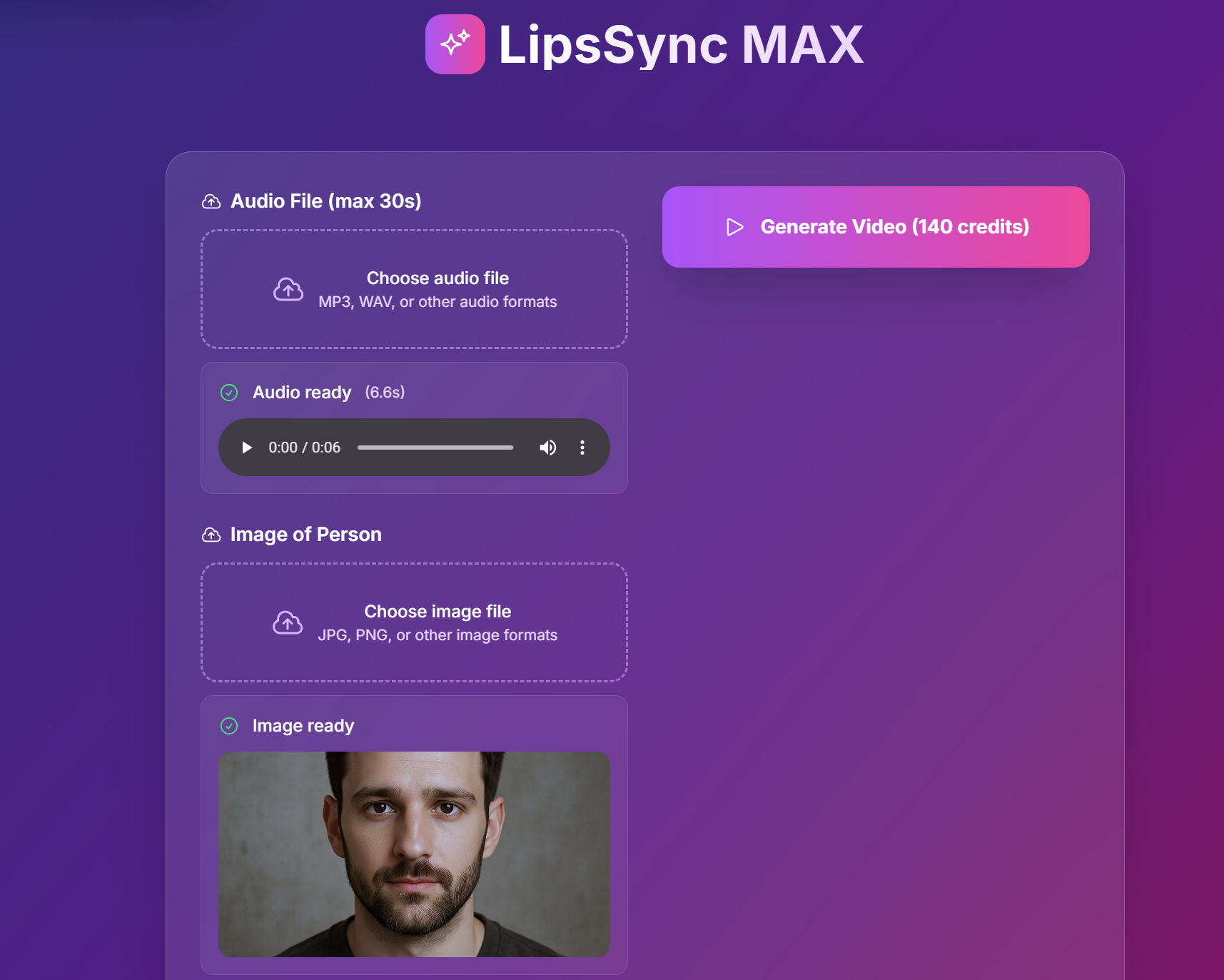
Lipsync Max: Create Realistic Lip-Synced Videos
Bring your characters to life with Lipsync Max! Upload an image and an audio file, and watch as the lips are perfectly synced to the sound.
Overview
Lipsync Max is a powerful tool that allows you to create realistic lip-synced videos with ease. Powered by Bytedance’s Omnihuman model, Lipsync Max takes an image and an audio file and generates a video with the lips perfectly synced to the sound.
How to Use Lipsync Max
Creating your own lip-synced video is a simple two-step process:
Step 1: Upload an Image
Upload an image of a person. For best results, make sure the face is centered and unobstructed.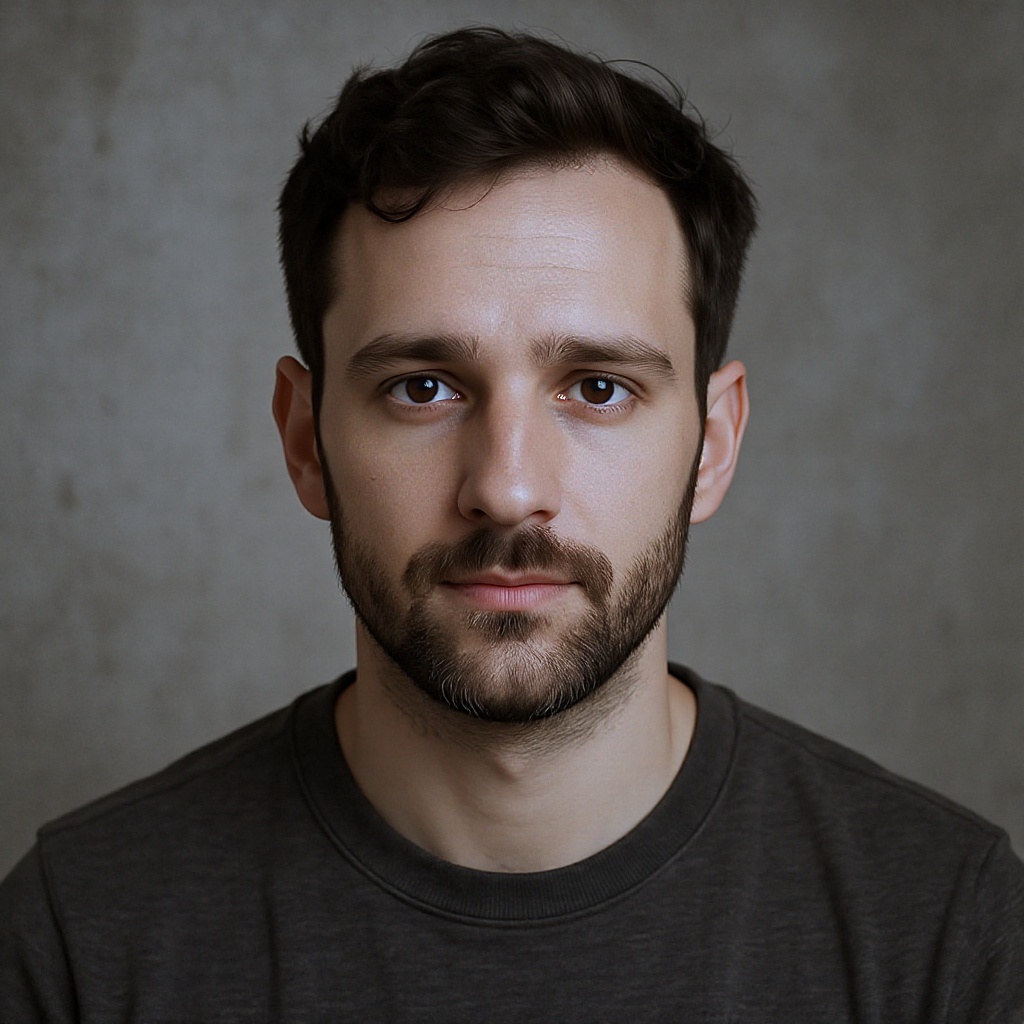
Step 2: Upload an Audio File
Upload an audio file with the sound you want to sync to the video. The audio must be no longer than 30 seconds.
Result
Here is an example of a lip-synced video created with Lipsync Max:
Conclusion
Lipsync Max is a powerful and easy-to-use tool that allows you to create custom lip-synced videos in just a few simple steps. Whether you’re looking to create a hilarious meme or a professional-quality video, Lipsync Max has you covered.