VidCraft: AI Video Generation
Overview
VidCraft, powered by Midjourney’s video model, allows you to turn a single image into a dynamic 5-second video. It’s as simple as feeding VidCraft an image to serve as the first frame, adding an optional text prompt, and then watching as it brings your vision to life with a moving sequence.Features
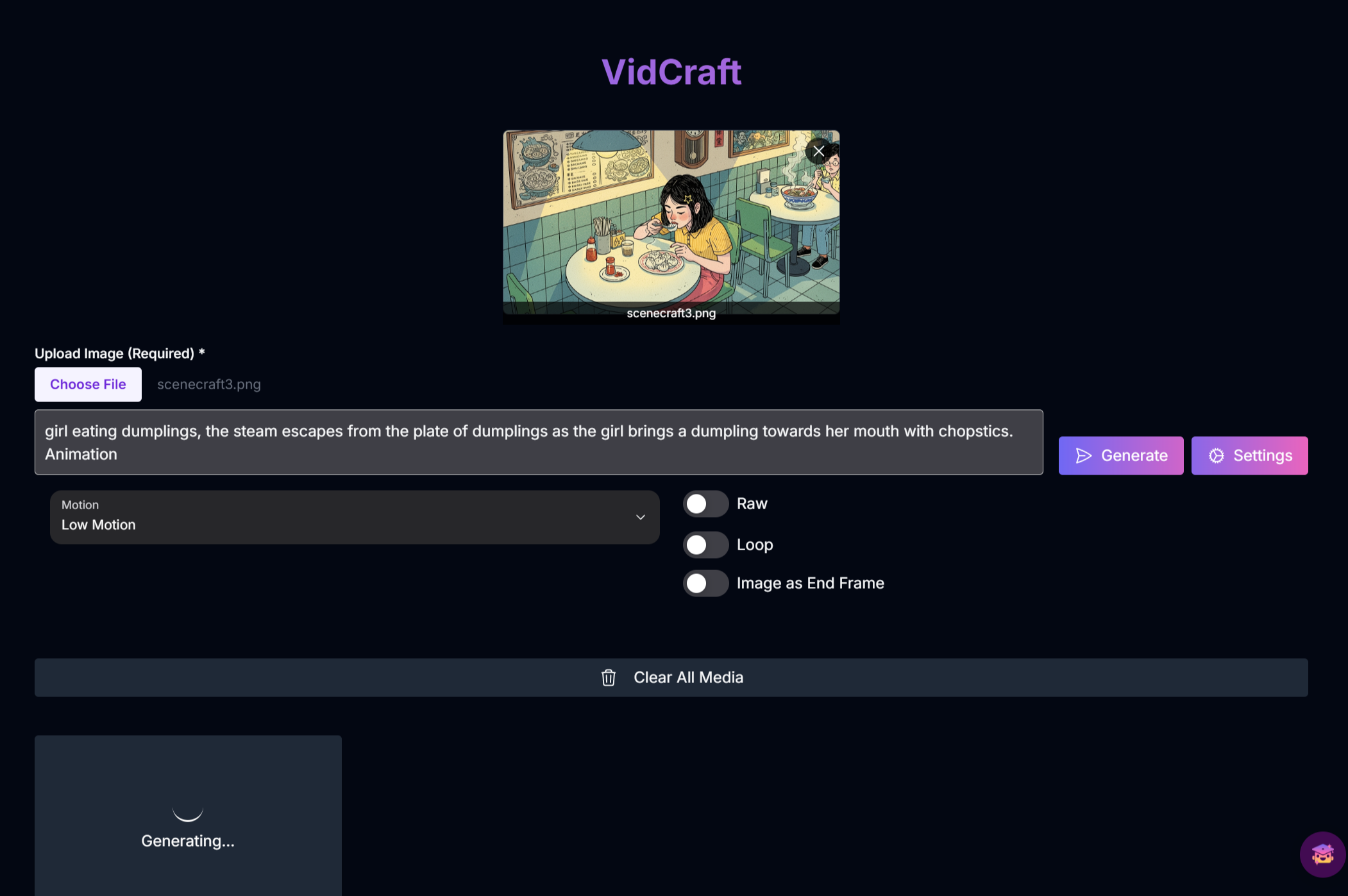
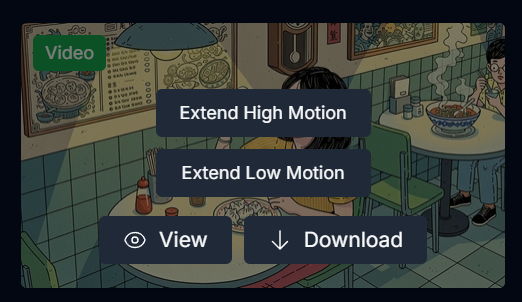
Image to Video
Transform a static image into a 5-second video.
Looping Videos
Create seamless looping videos where the start and end frames are the same.
Motion Control
Choose between high and low motion to control the amount of movement in your video.
Raw Mode
For more precise motion control, use Raw Mode to have your prompt text have more influence on the outcome.
How to Use VidCraft
Input Prompt and Image
Enter a text prompt (optional) and upload an image to serve as the first frame of your video.
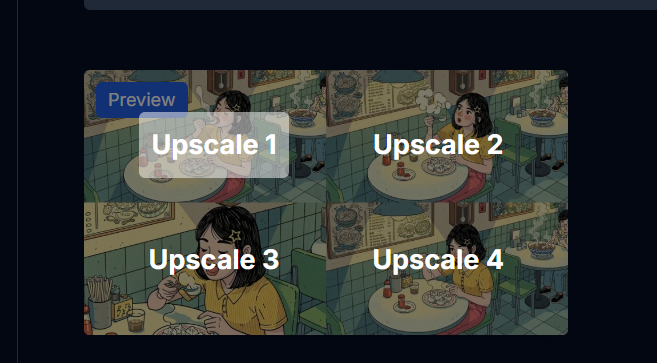
Generate Previews
Click “Generate”. You will see a gradient glow and a “generation in progress” message. Once the generation is done, you will have a choice of 4 results.